E-mail:info@toppoint-led.com Phone:+86 15814497315

E-mail:info@toppoint-led.com Phone:+86 15814497315
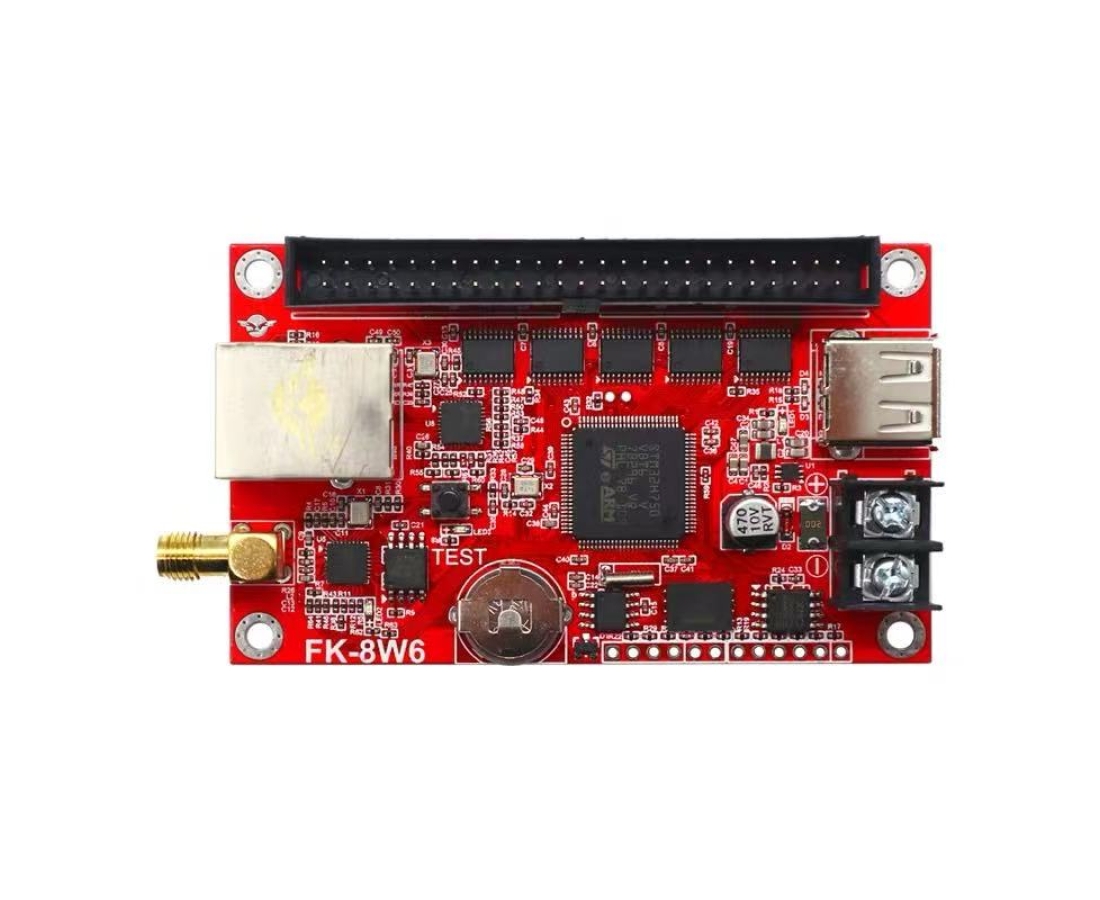
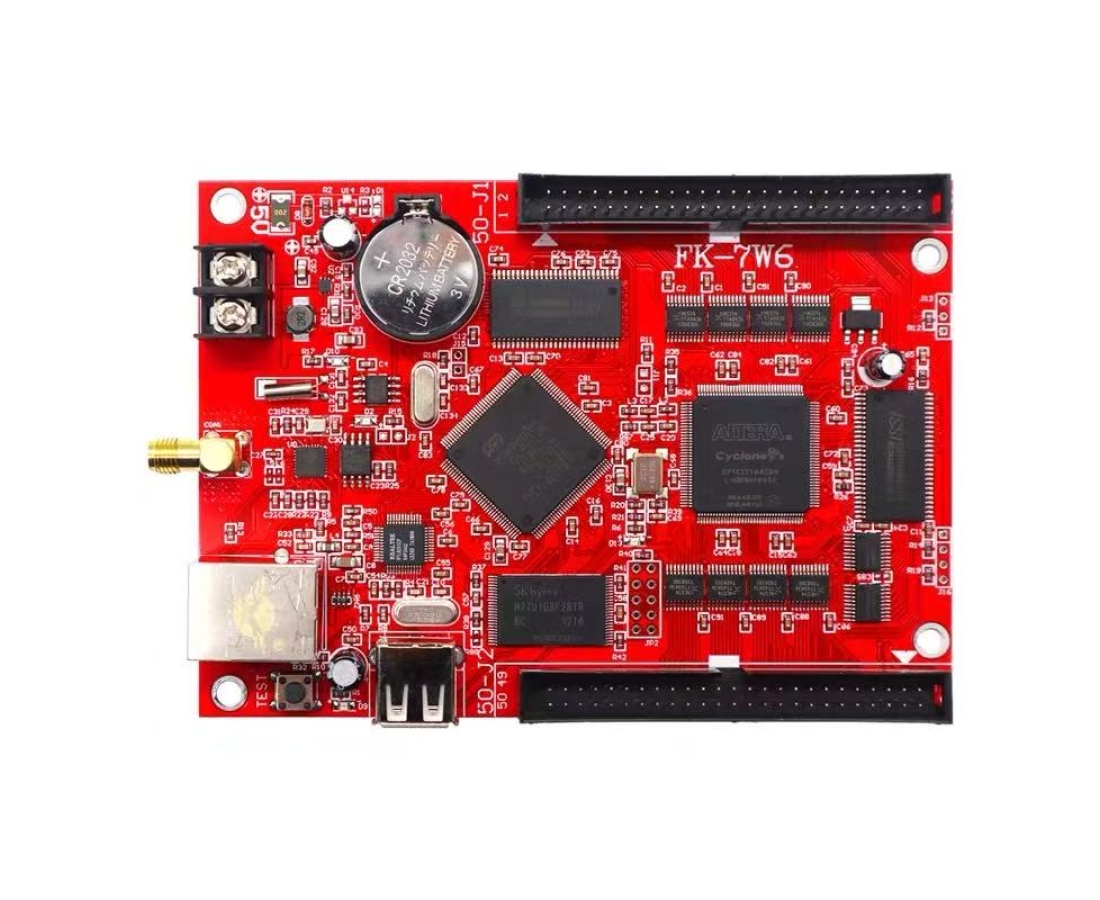
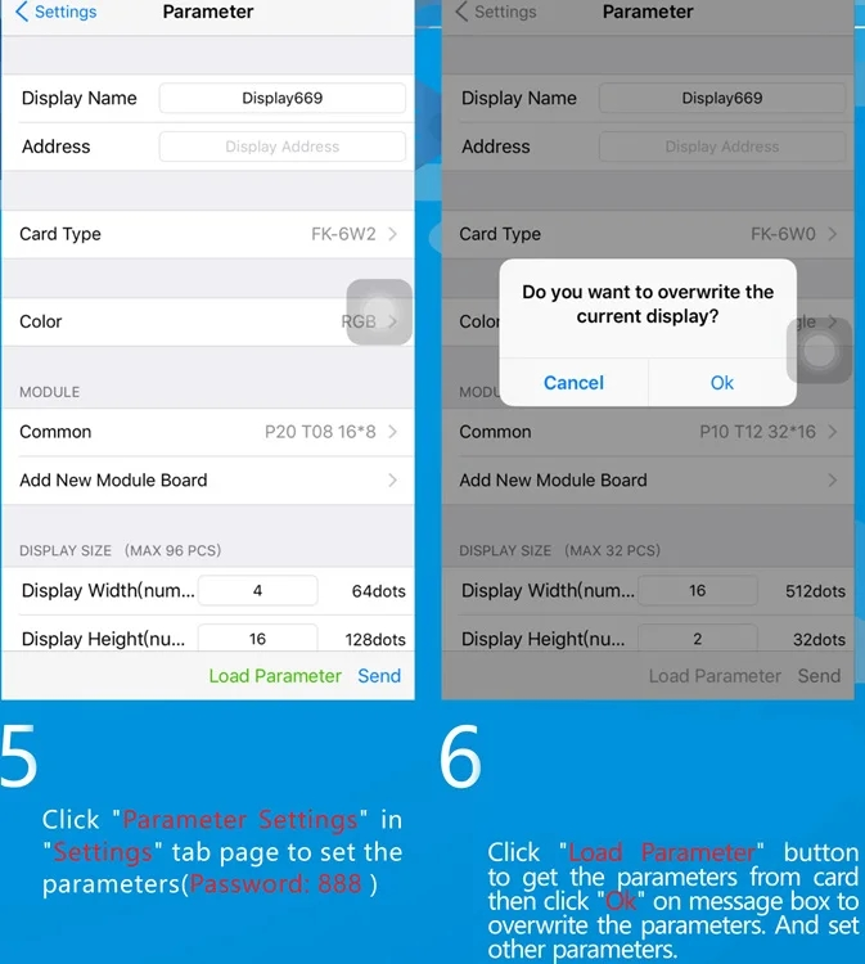
1.Correctly configuring the parameters of the LED control card is the primary and essential step to make the LED display screen function properly.The LED control card cannot function properly without any parameter settings.
2.If you are replacing the old control card, you must reconfigure the parameters in the controller program for the new LED display control card.
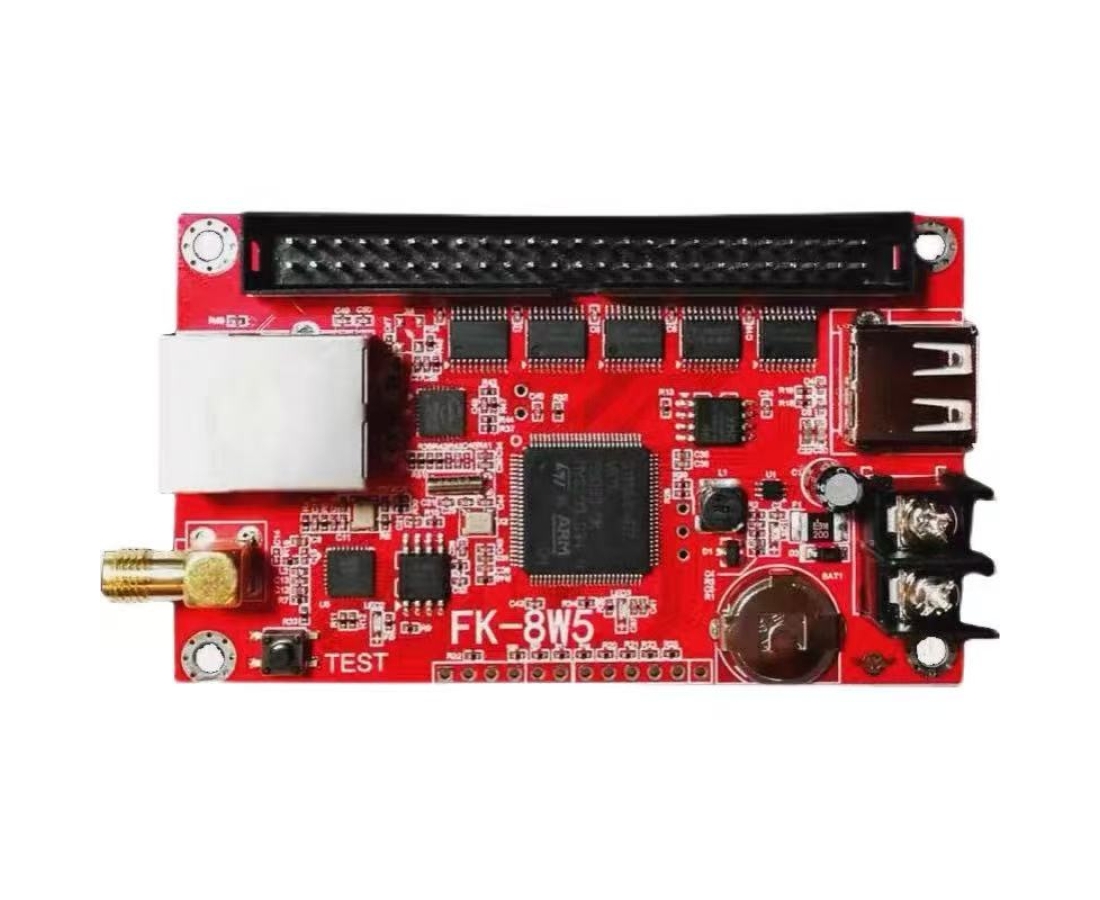
FK-8W5 FK-8W6 FK-7W6 LED display controller
specification:
Support for smart settings. Both mobile phones and computers can support smart settings . Don't worry about unrecognizing led display modules.
Can support Android phone ,Iphone,PC sending message .

(scan the above QR code to download the APP to your mobile phone)
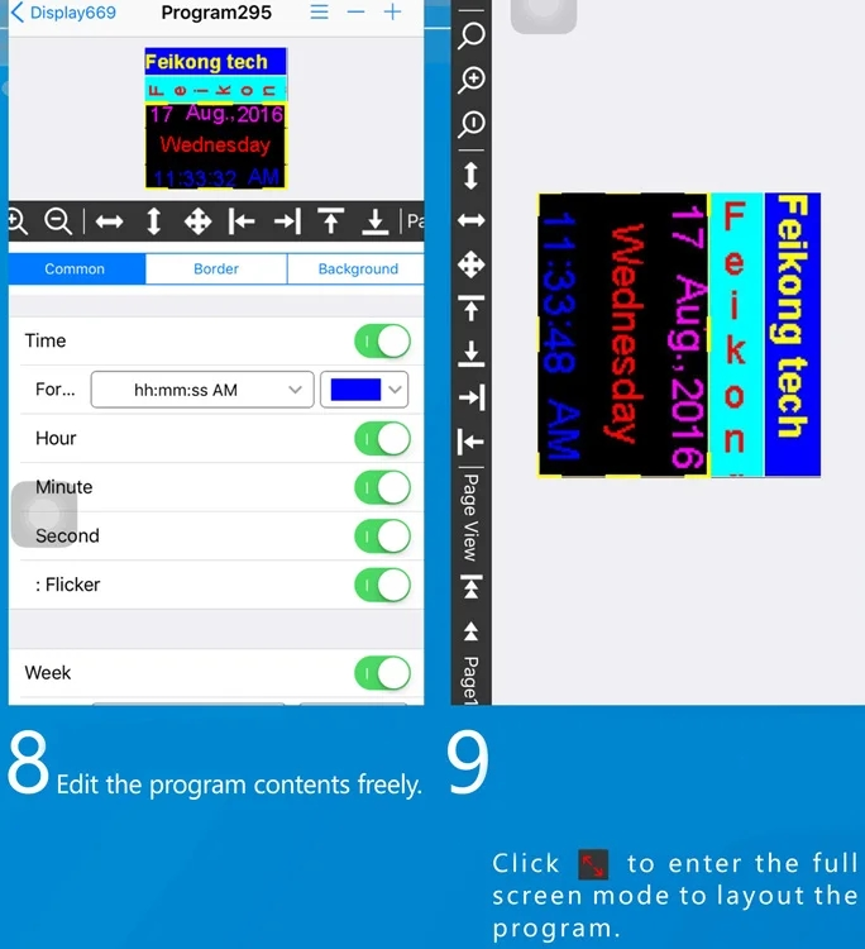
Software user manual as follows:
1.Open FKShow App,click"+"at right top corner then add dispaly at "displays" tab page.
2.Enter "WiFi Settings" page to set WiFi information .
3.Click"Set" button to select WiFi SSID of card .
4.Select the WiFi SSID of card (Password: 88888888) then return to FkShow App.