E-mail:info@toppoint-led.com Phone:+86 15814497315

E-mail:info@toppoint-led.com Phone:+86 15814497315
Notice: Because lithium battery is dangerous product, many courier companies do not accept it, or charge higher shipping fees.So we have to send products without lithium batteries( PS:the link price doesn't include battery,customers can't ask for extra refund for battery).If you really need the battery, please contact us in advance. Thank you !
1.Correctly configuring the parameters of the LED control card is the primary and essential step to make the LED display screen function properly.The LED control card cannot function properly without any parameter settings.
2.If you are replacing the old control card, you must reconfigure the parameters in the controller program for the new LED display control card.
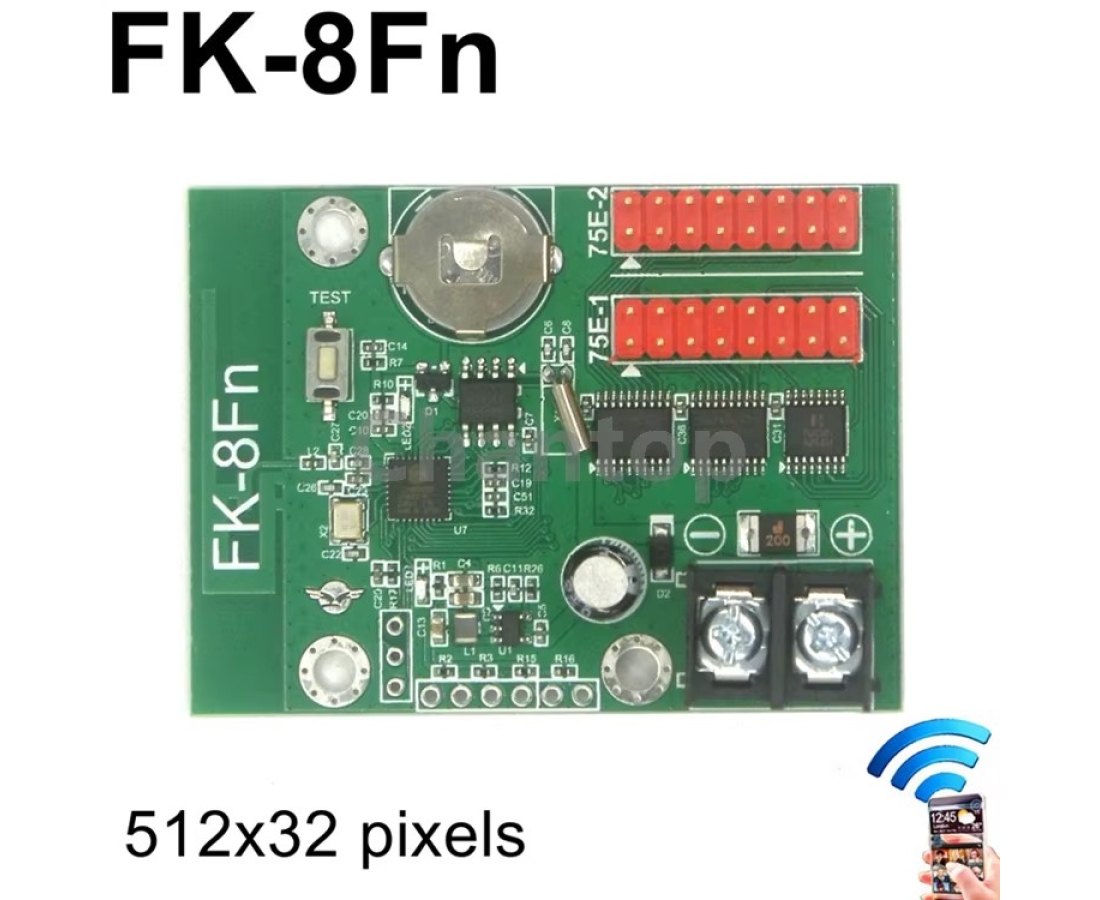
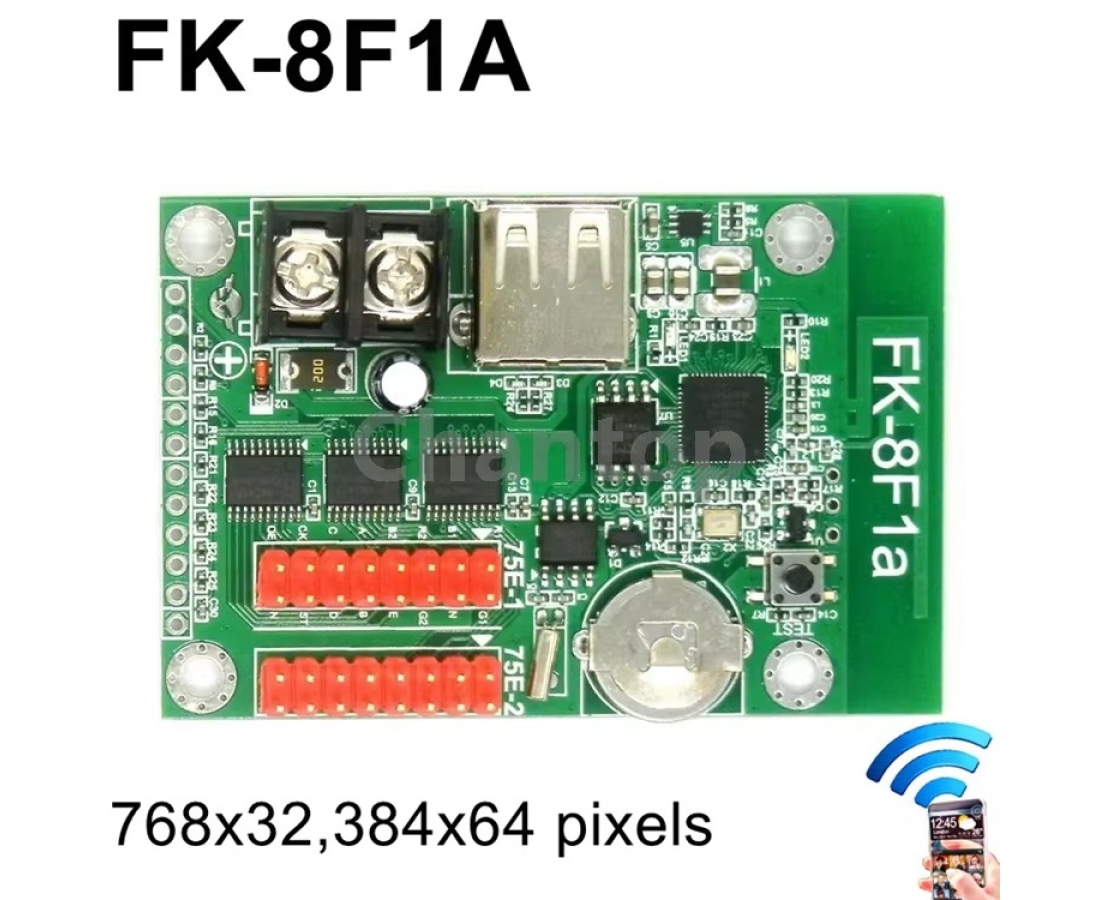
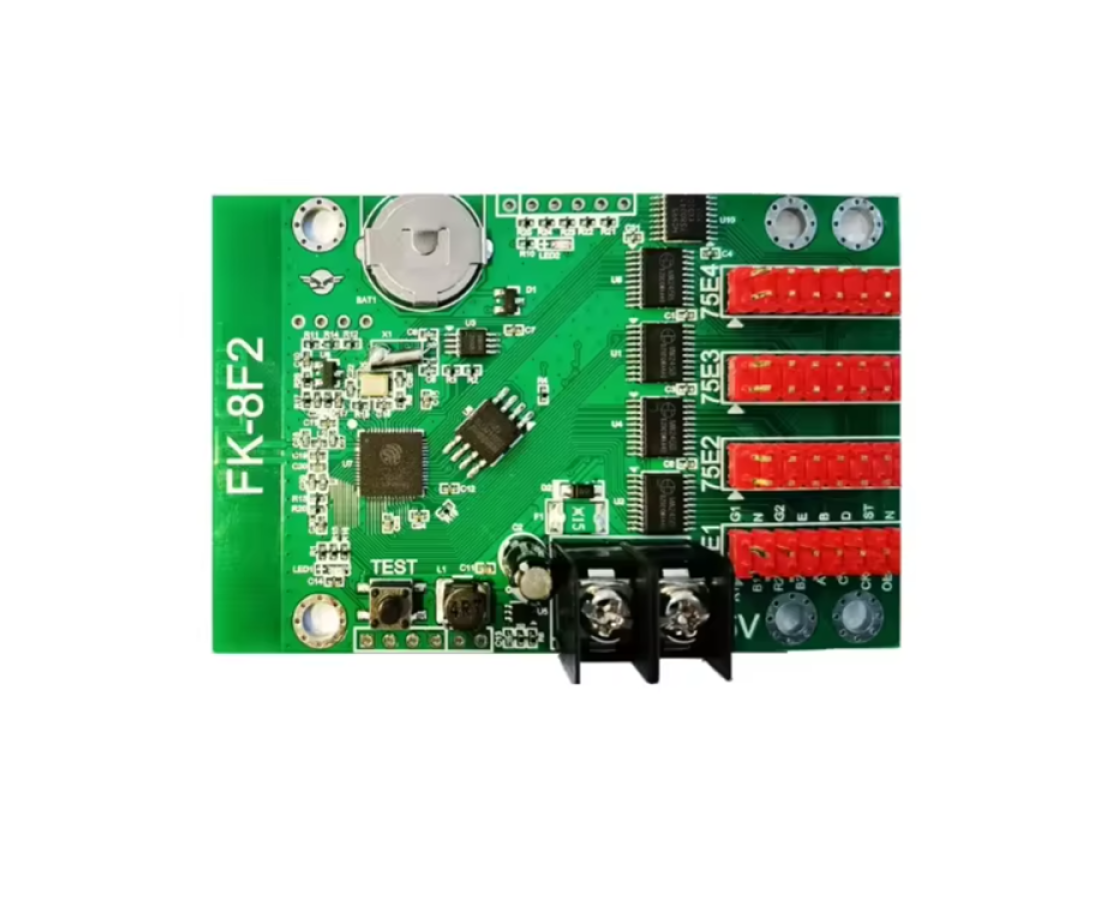
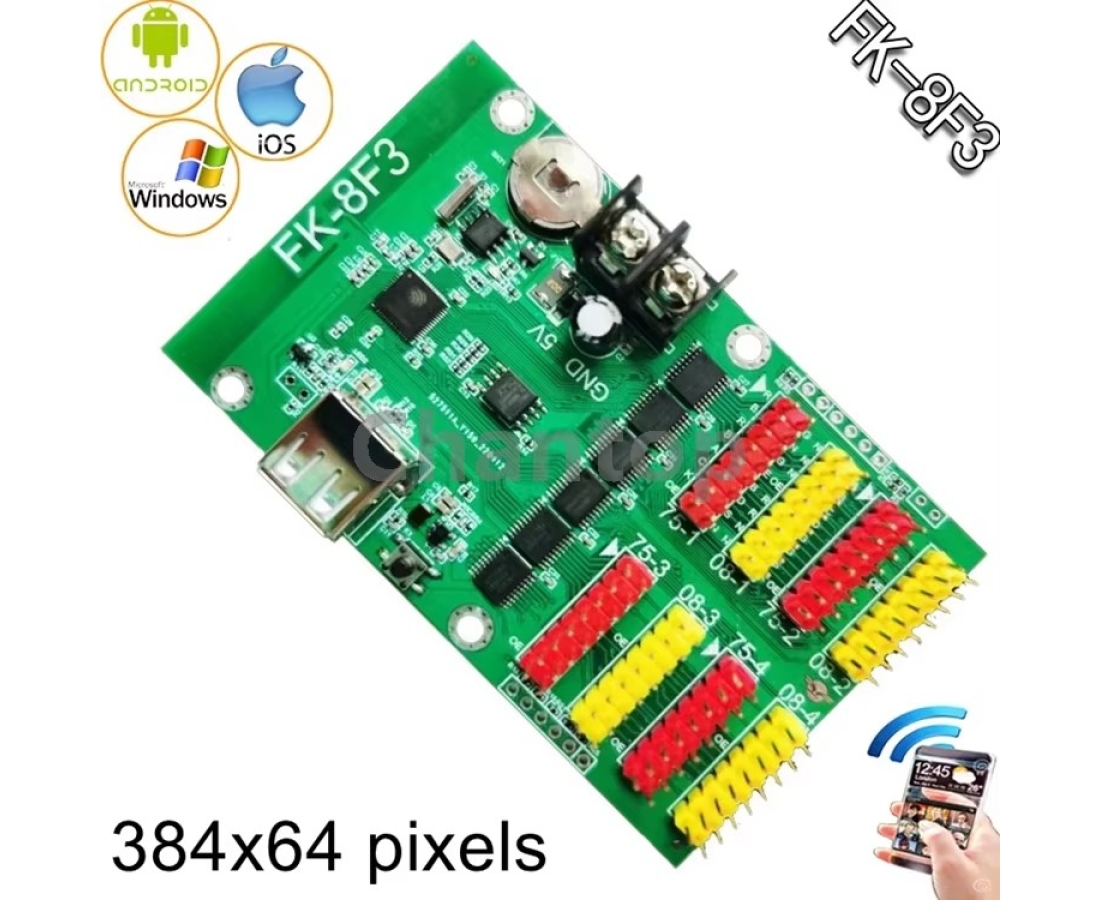
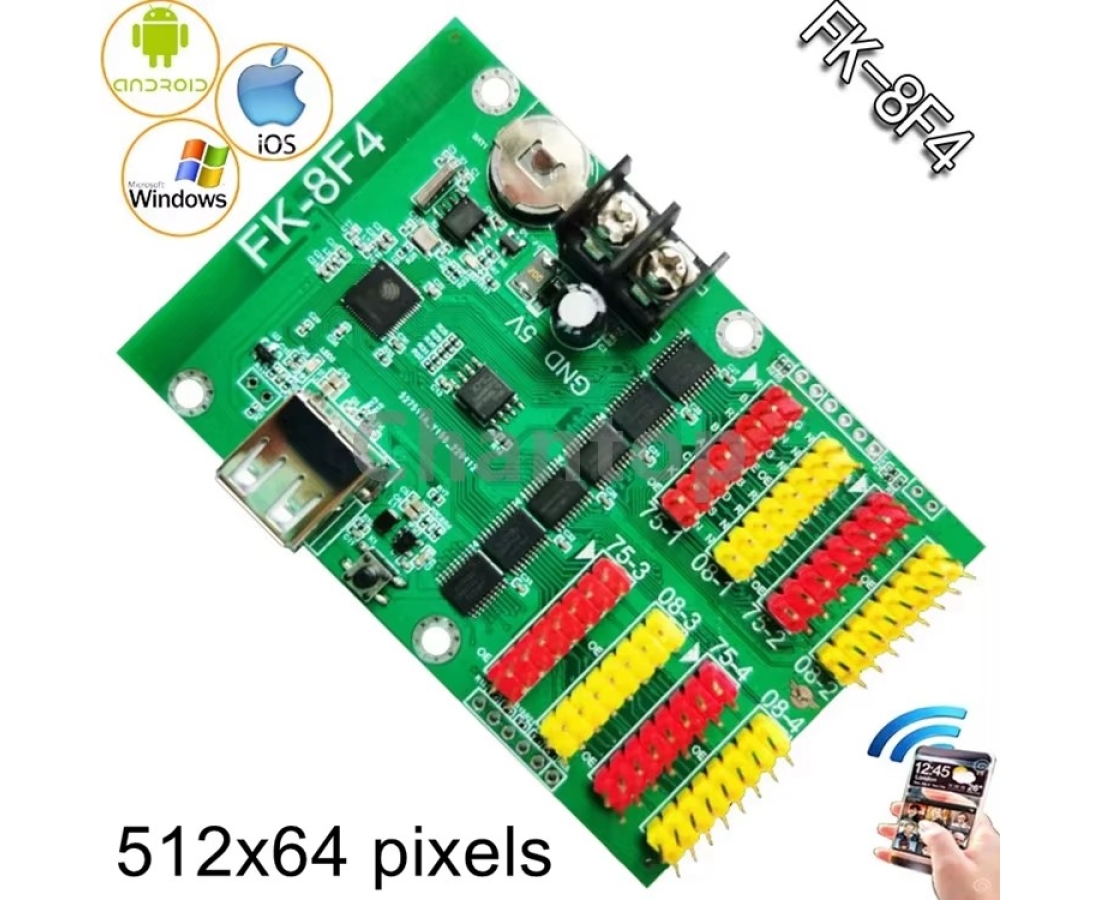
FK-8Fn FK-8F1A FK-8F1 FK-8F2 FK-8F3 FK-8F4 LED display controller
specification:
Support for smart settings. Both mobile phones and computers can support smart settings . Don't worry about unrecognizing led display modules.
FK-8Fn FK-8F1 FK-8F1A FK-8F2 FK-8F3 FK-8F4 can support Android phone ,Iphone,PC sending message .

(scan the above QR code to download the APP to your mobile phone)
They can support full color led modules
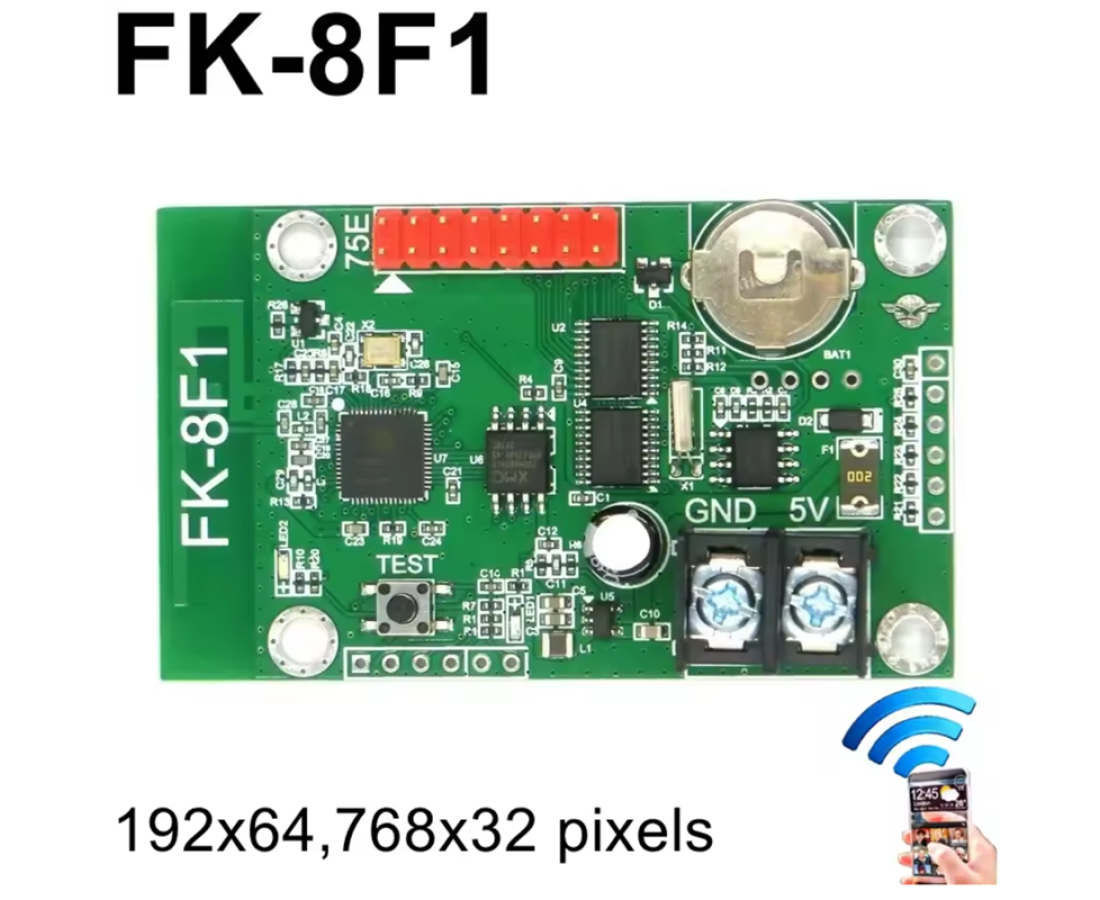
FK-8F1 Pixels control range:
Full color control pixels:192x64,768x32 pixels
Communication: wifi
Interface:1xhub75 port
Full color control pixels:768x32,384x64 pixels
Communication: wifi , USB
Interface:2xhub75 port
Seven- color control pixels:512x32 pixels
4-level grayscale control pixels: 256x32 pixels
Communication: wifi
Interface:2xhub75 port
8-level grayscale control pixels: 384x64 pixels
Communication: wifi ,USB
Interface:4xhub75 ,4x hub08 port
8-level grayscale control pixels: 512x64 pixels
Communication: wifi ,USB
Interface:4xhub75 ,4x hub08 port
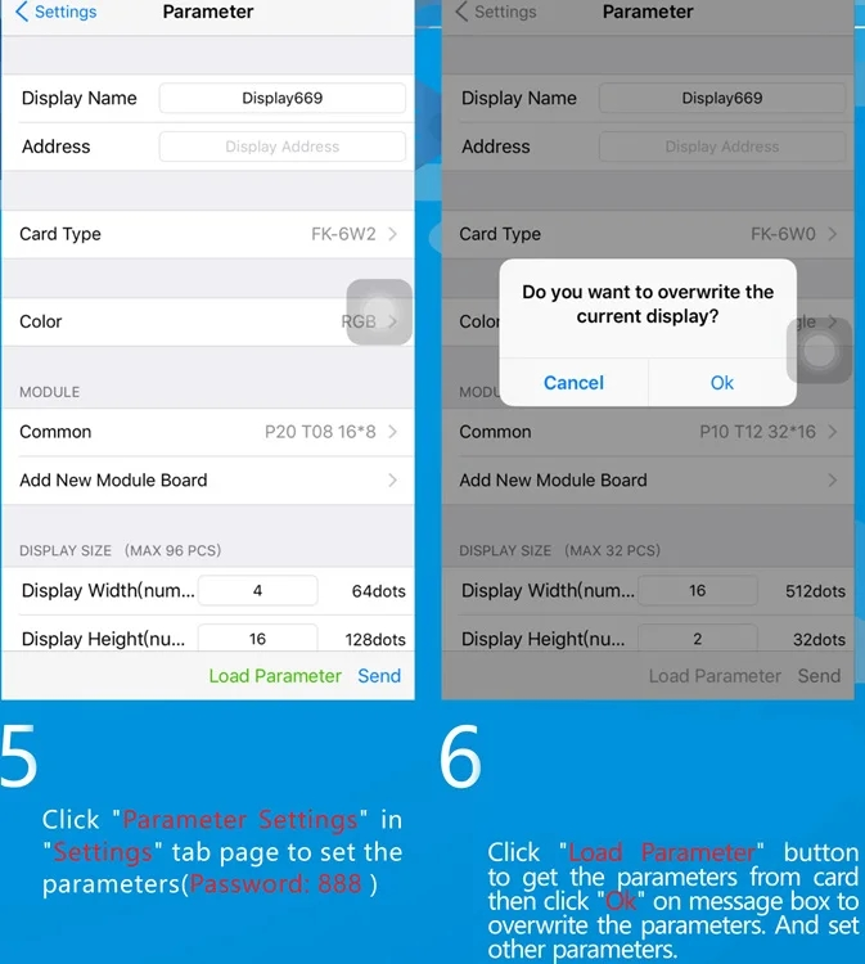
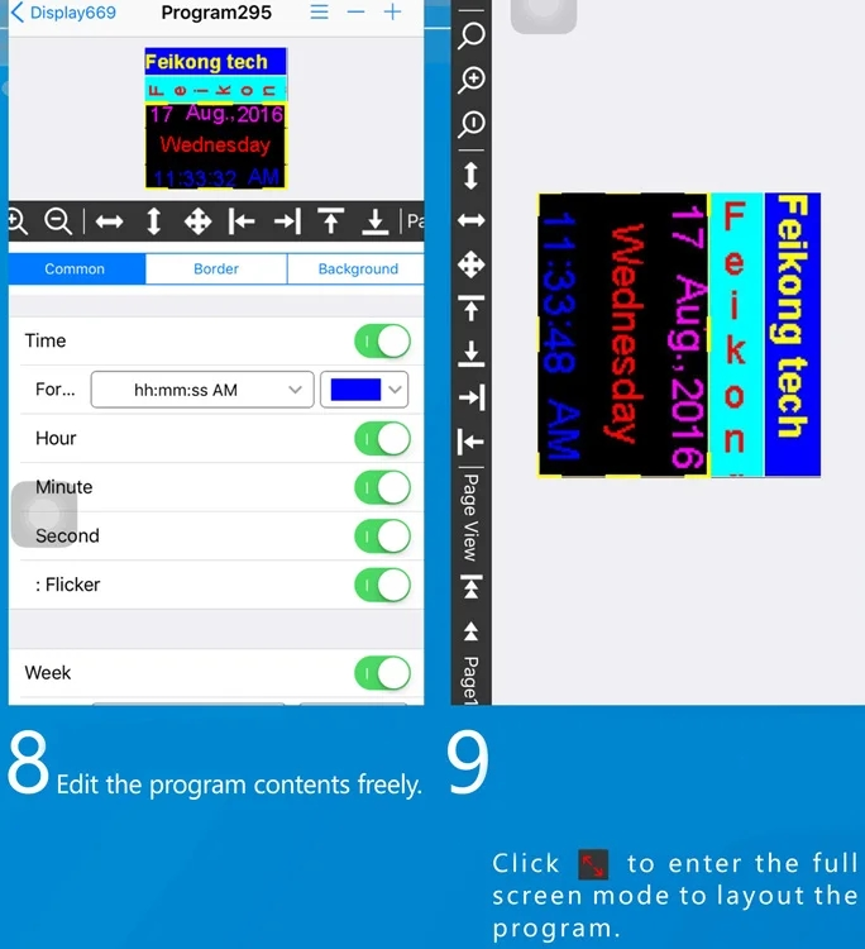
Software user manual as follows:
1.Open FKShow App,click"+"at right top corner then add dispaly at "displays" tab page.
2.Enter "WiFi Settings" page to set WiFi information .
3.Click"Set" button to select WiFi SSID of card .
4.Select the WiFi SSID of card (Password: 88888888) then return to FkShow App.